

Enable AI-assisted reply processing for a sequence#
Reduce manual reply qualification and keep outreach workflows moving faster with AI-assisted reply processing for sequences.
When enabled, Smart Sequences can automatically process replies such as interested responses, opt-out requests, or not interested replies without requiring manual review in Action Center.
AI-assisted reply processing is configured separately for each sequence and is disabled by default.
You can enable AI-assisted reply processing either when creating a new sequence or when editing an existing one.
Before you begin#
AI-assisted reply processing requires at least one supported Revenue Grid AI feature to be enabled for your organization.
Supported AI features include the following:
If you are unsure whether AI features are enabled for your organization, contact your Revenue Grid admin.
Enable AI reply processing for an existing sequence#
Open the sequence you want to configure.
Go to the Settings tab.
In the Details section, turn on Attempt AI-assisted reply processing.
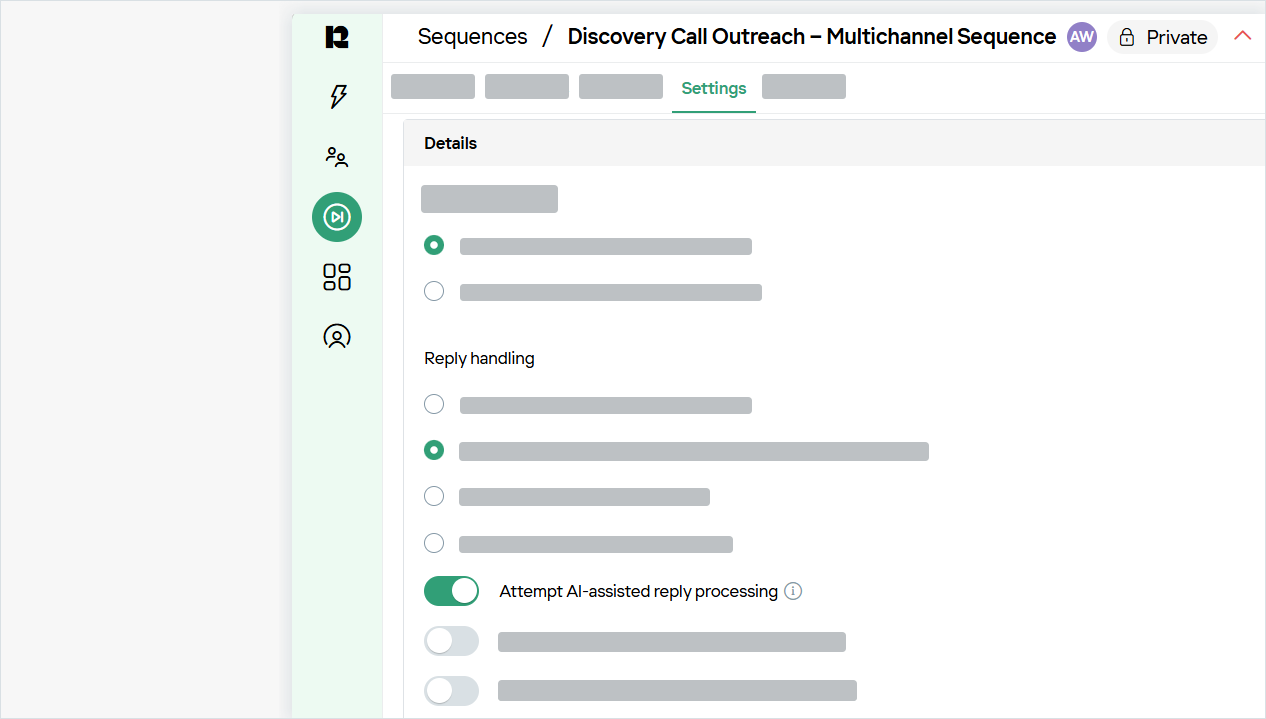
Click Save.
Enable AI reply processing when creating a sequence#
Create a new sequence.
Expand Advanced settings.
In the Details section, turn on Attempt AI-assisted reply processing.
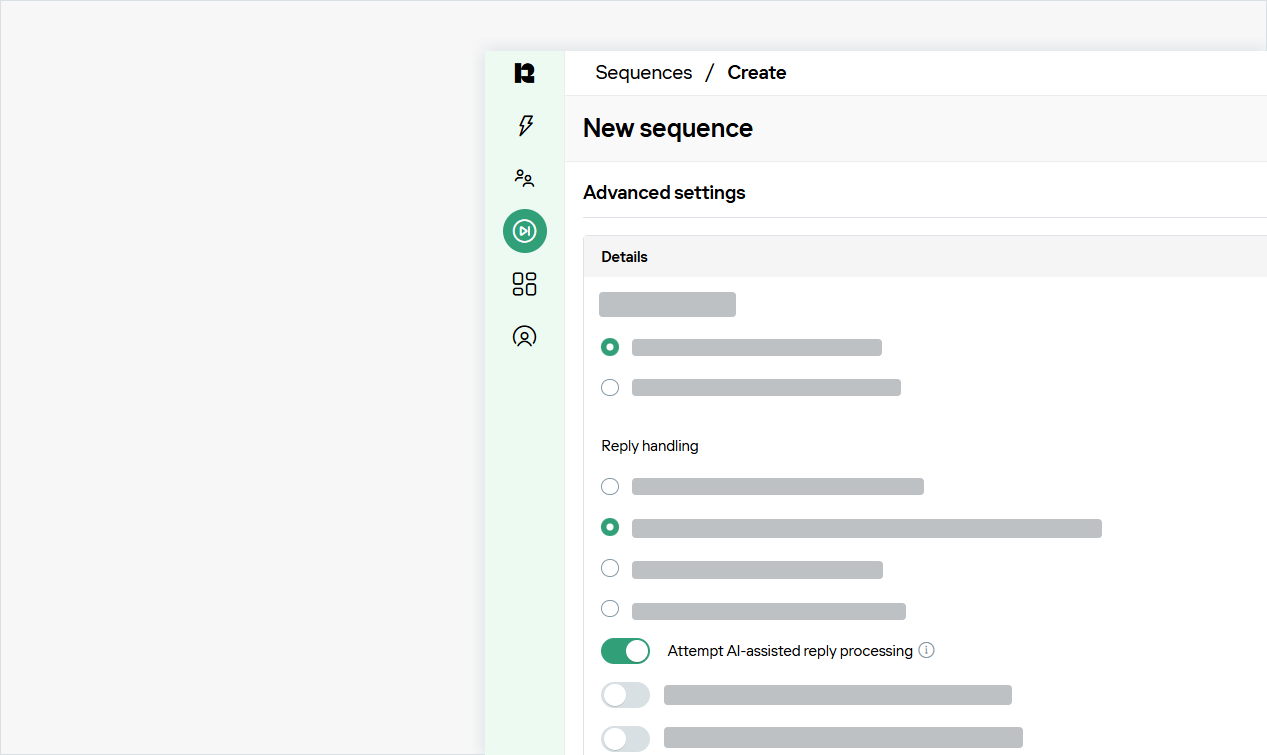
Finish configuring the sequence.
Click Save.