

Why add an unsubscribe option to sequence emails#
Unsubscribe options do more than give prospects a way to opt out of future communication. They also help reduce spam complaints, improving email deliverability and protecting your sender reputation.
How unsubscribe options protect sender reputation#
When recipients are no longer interested in your emails, some may report them as spam.
A visible unsubscribe option gives recipients an easier alternative. Instead of looking for a command to report the message as spam, they can opt out directly from the email with a single click or by following the instructions you provide.
Email providers such as Google and Microsoft use spam complaints to evaluate sender reputation. Higher complaint rates increase the likelihood that future emails will be filtered, throttled, or rejected.
By reducing spam complaints, unsubscribe options improve email deliverability.
Why spam complaints matter#
Major email providers such as Google and Microsoft monitor how recipients interact with incoming messages. One of the strongest negative signals is when recipients report messages as spam.
Google recommends that bulk senders maintain a spam complaint rate below 0.1% and keep it under 0.3% at all times. If the spam complaint rate exceeds 0.3%, Google may limit deliverability, and the sender becomes ineligible for reputation recovery measures until the spam rate remains below the threshold for seven consecutive days.
For more information, see:
Microsoft has also introduced stricter requirements for high-volume senders. Messages from senders with poor sending practices or reputation may be filtered, throttled, or rejected by Outlook and Microsoft 365 services.
For more information, see:
Together, these requirements make maintaining a low spam complaint rate an important part of successful email outreach.
Unsubscribe links vs. text-only opt-out instructions#
There are different ways to let recipients opt out of future emails.
Clickable unsubscribe link (recommended)#
A clickable unsubscribe link allows recipients to opt out with a single click.
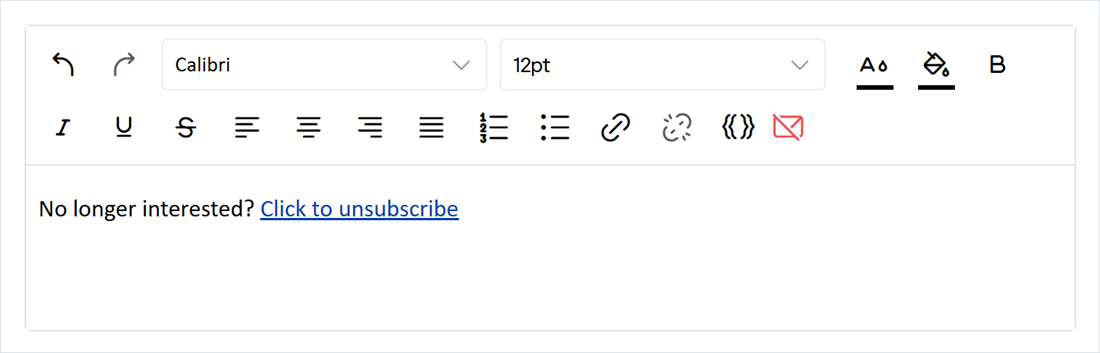
This is the most convenient option for recipients and typically results in fewer spam complaints because it requires minimal effort.
Text-only opt-out instructions#
Instead of providing a clickable link, you can include instructions explaining how recipients can opt out.
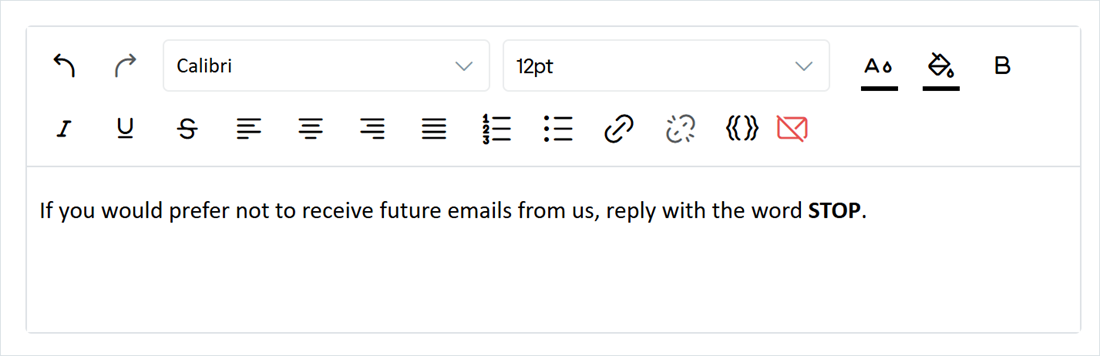
While this approach is better than providing no unsubscribe option at all, it requires additional effort from the recipient and may be less effective at reducing spam complaints.
For the best recipient experience, Smart Sequences recommends providing a clickable unsubscribe link whenever possible.
Add an unsubscribe option to your sequence emails#
Smart Sequences provides built-in unsubscribe functionality that automatically tracks opt-out requests and prevents future sequence emails from being sent to unsubscribed prospects.
To learn how to configure and use unsubscribe links and unsubscribe text, see: