

Manage engagement tracking for your organization#
Smart Sequences tracks email opens and link clicks by default to show how recipients engage with emails.
As an admin, you can control this behavior across your organization by:
These settings help ensure consistent behavior without relying on individual users.
Why manage engagement tracking#
Email tracking uses hidden elements and special tracking links, which some email providers and security tools may treat as spam signals. Turning off tracking can help improve inbox placement when deliverability is a priority.
At the same time, tracking helps you understand how recipients engage with emails, so you can refine messaging and follow up more effectively.
Set the right balance between tracking and deliverability for your organization.
Default tracking for new sequences#
Define whether email opens and link clicks are tracked by default when users create new sequences.
Default settings :
Apply only to sequences created after the change.
Do not affect existing sequences.
Can be changed by users for their own sequences.
Apply only when tracking is not prohibited.
Set default tracking#
Go to Email deliverability.
Turn on or off:
Default: Track email opens
Default: Track link clicks
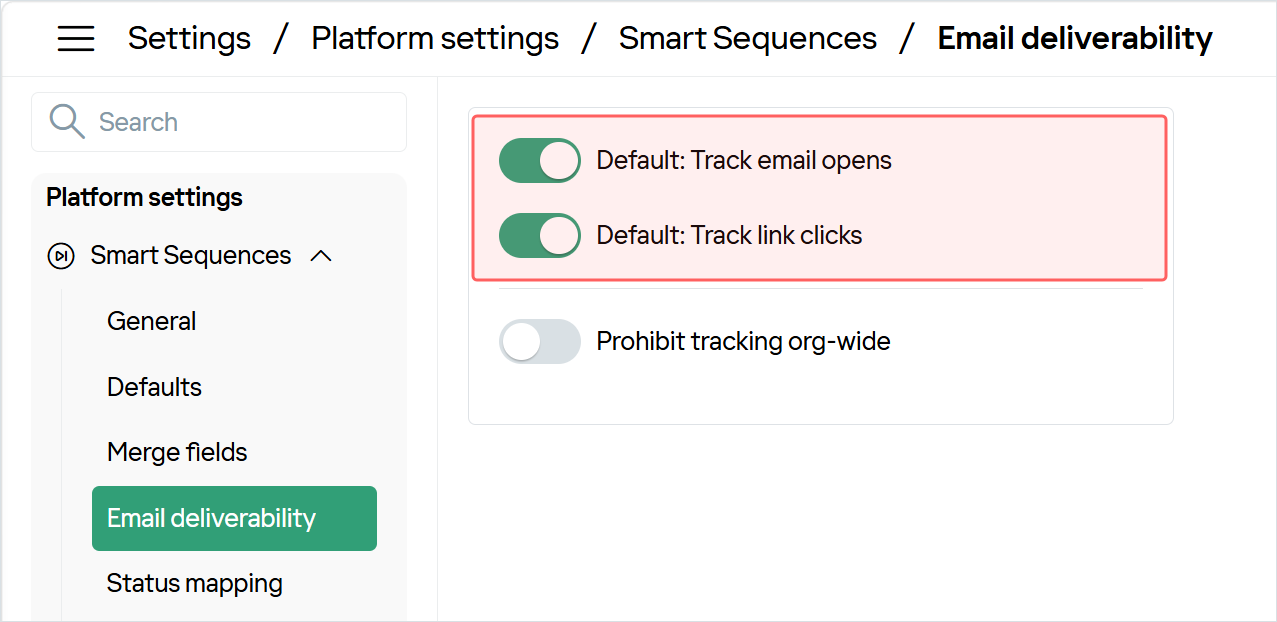
Select Save.
Organization-wide tracking prohibition#
Disable tracking for all sequences to enforce strict deliverability standards.
When tracking is prohibited:
Tracking is turned off for all existing sequences, regardless of their previous settings.
Open and click data is not shown in the Statistics and Recipients views.
Per-sequence tracking settings are locked in the Off state.
If you disable the prohibition:
Per-sequence tracking settings become available again.
Previously collected engagement data becomes visible again.
Prohibit tracking#
Go to Email deliverability.
Turn on Prohibit tracking org-wide.
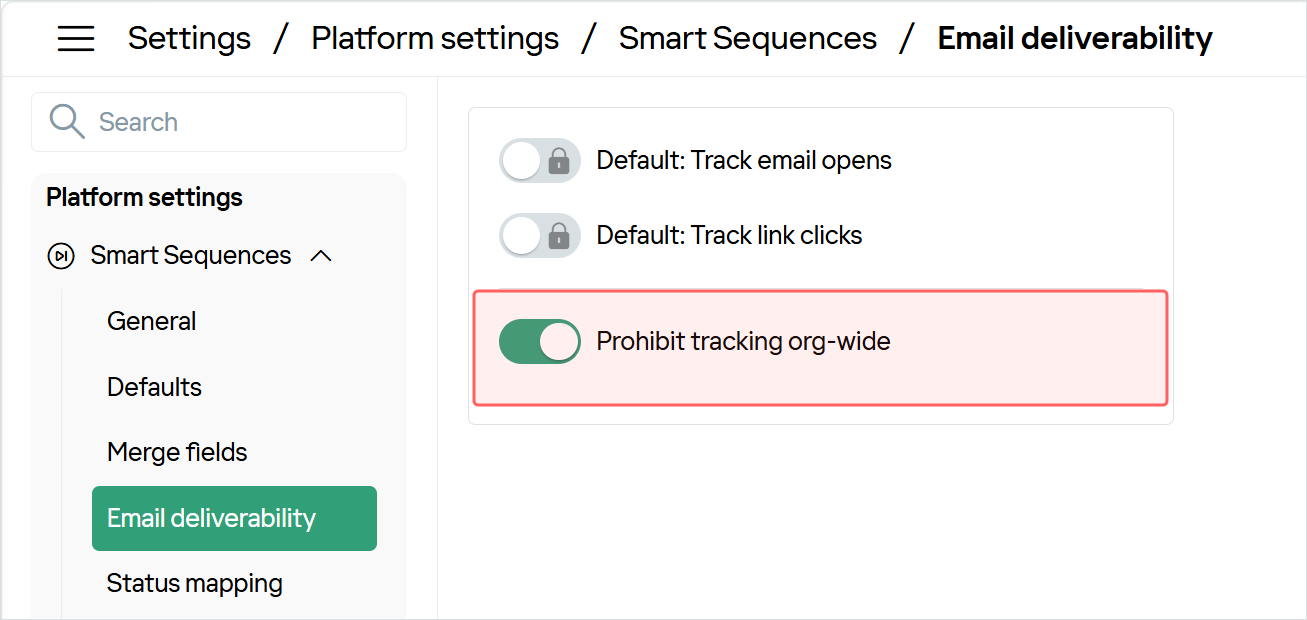
Select Save, then select Confirm.