

Rescheduling and cancellation for Zoom meetings in Book Me#
Allow invitees to reschedule or cancel Book Me meetings when using Zoom as the meeting location, so updates are applied automatically without extra coordination.
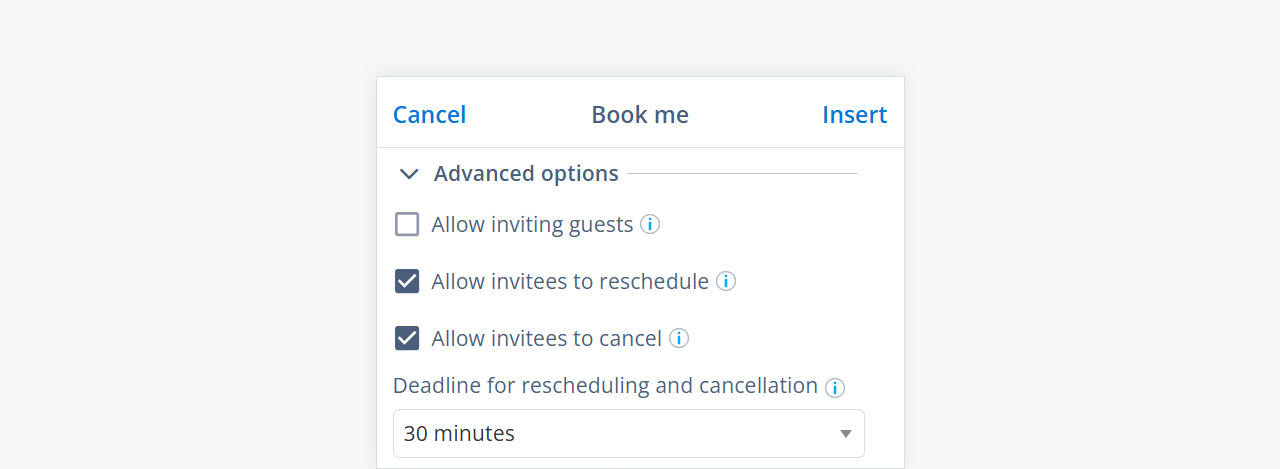
Enable these options when creating a Book Me link in the Sidebar, or configure them in Book Me defaults
To allow invitees to make changes, select:
Allow invitees to reschedule
Allow invitees to cancel
To control when changes are allowed:
Set a time span in Deadline for rescheduling and cancellation
If an invitee reschedules or cancels a meeting, the system automatically updates the calendar event and sends you an email notification.