

Manage sync settings for individual users in the Admin Panel#
Admins can now manage individual users’ sync settings on their behalf directly in the Admin Panel.
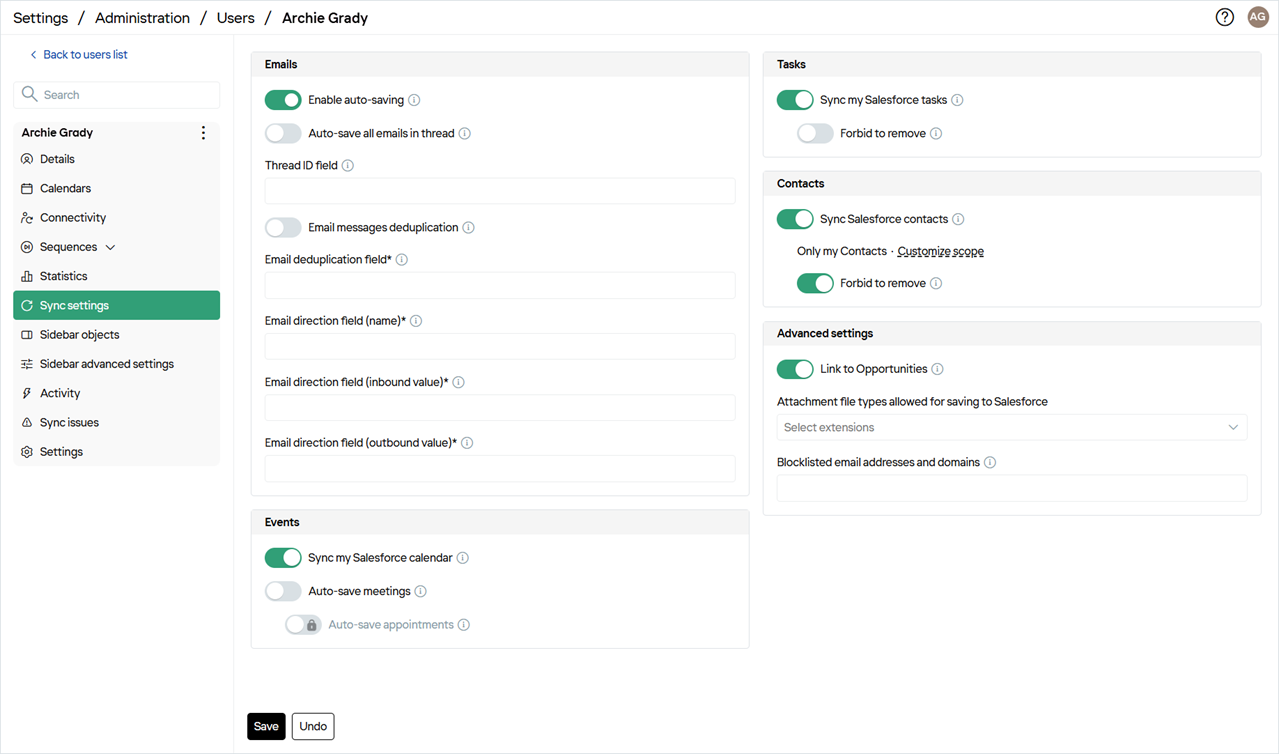
Previously, sync settings could be adjusted only at the profile level. With this update, admins can customize sync configurations for each individual user, making it easier to support exceptions, troubleshoot sync issues, or tailor sync behavior for specific roles.
A new Sync settings page is now available under: Users → [User] → Sync settings.
From this page, admins can view and adjust the sync settings currently applied to that user without affecting the entire profile group.