

New visibility settings for activities and email bodies in Coaching#
Admins can now define organization-wide visibility rules for activity data and email content shown in Coaching reports, helping ensure alignment with internal compliance policies.
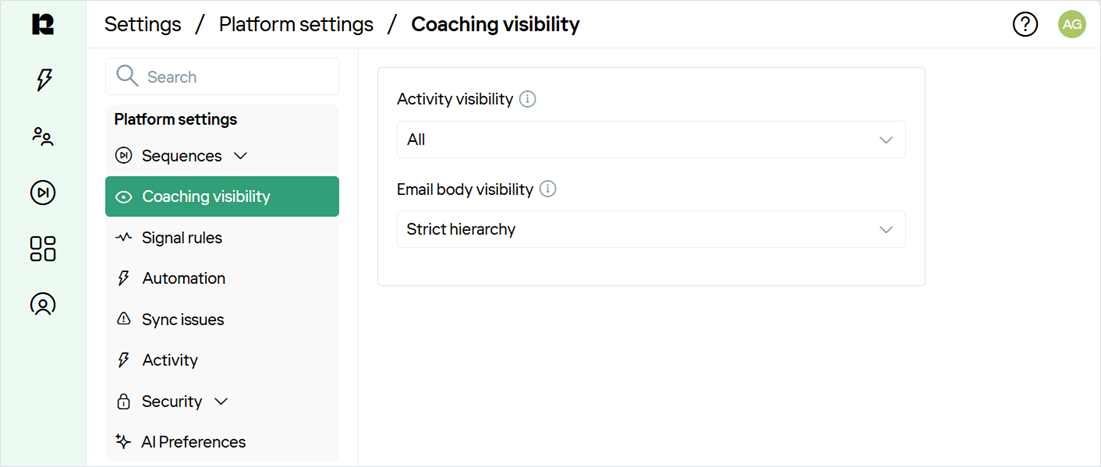
A new Coaching visibility tab is now available in Platform settings. It includes two boxes:
Activity visibility – Controls whose activity data (such as counts, subjects, and metadata) users can view in Coaching reports.
Email body visibility – Controls whose email content users can view in Coaching reports.
Each control offers the following options:
None – Users cannot view any activity or email content, including their own
Own – Users can view data only from activities they participate in
Strict hierarchy – Users can view data from themselves and their subordinates in the Salesforce forecast hierarchy
All – Users can view data from everyone in the organization