

Turn off engagement tracking to improve deliverability#
Turn off email open and link click tracking for your sequences to reduce spam signals and improve inbox placement when deliverability matters more than engagement tracking.
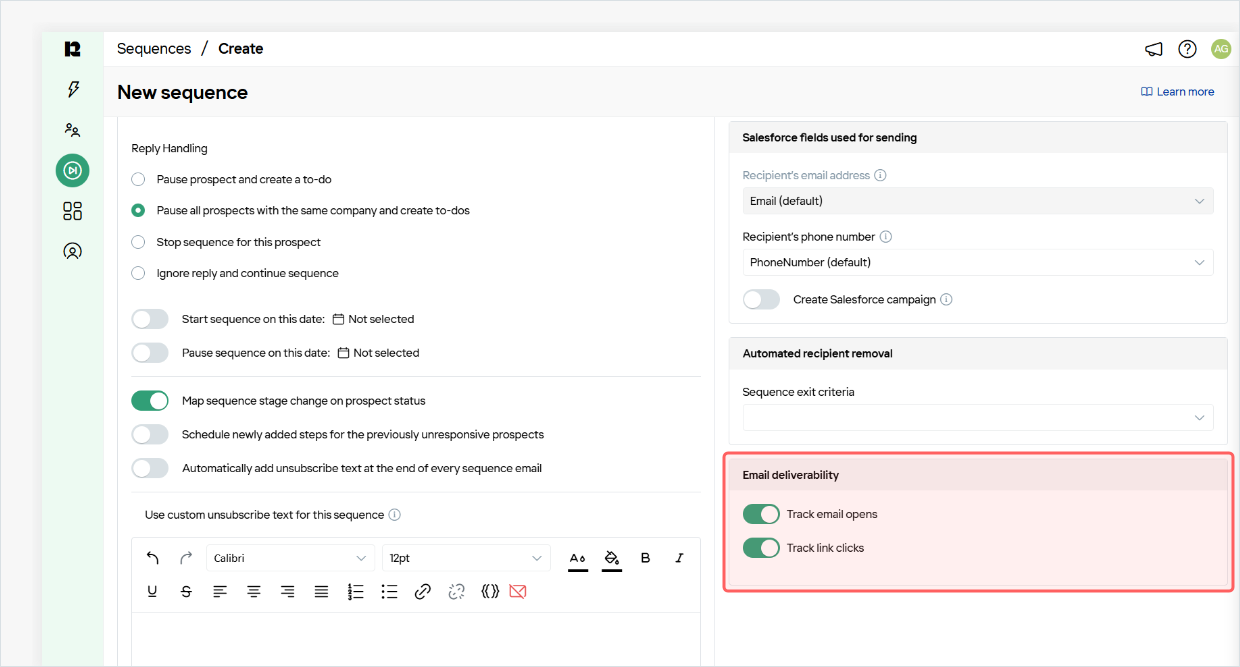
When tracking is turned off:
Emails are sent without open tracking pixels or link modification for click tracking.
Open and click data is not shown for that sequence in the Statistics and Recipients views.
Historical engagement data is preserved and becomes visible again if tracking is re-enabled.
To disable tracking:
Open the Email deliverability section in sequence settings:
When creating a sequence, in Advanced settings.
When editing a sequence, on the Settings tab.
Turn off the Track email opens and/or Track link clicks settings.
Changes apply only to future emails sent from the sequence. You can update these settings at any time.