

Schedule Zoom meetings via Book Me and Time Slots#
You can now use Zoom as your meeting location when sharing your availability through Book Me or Time Slots.
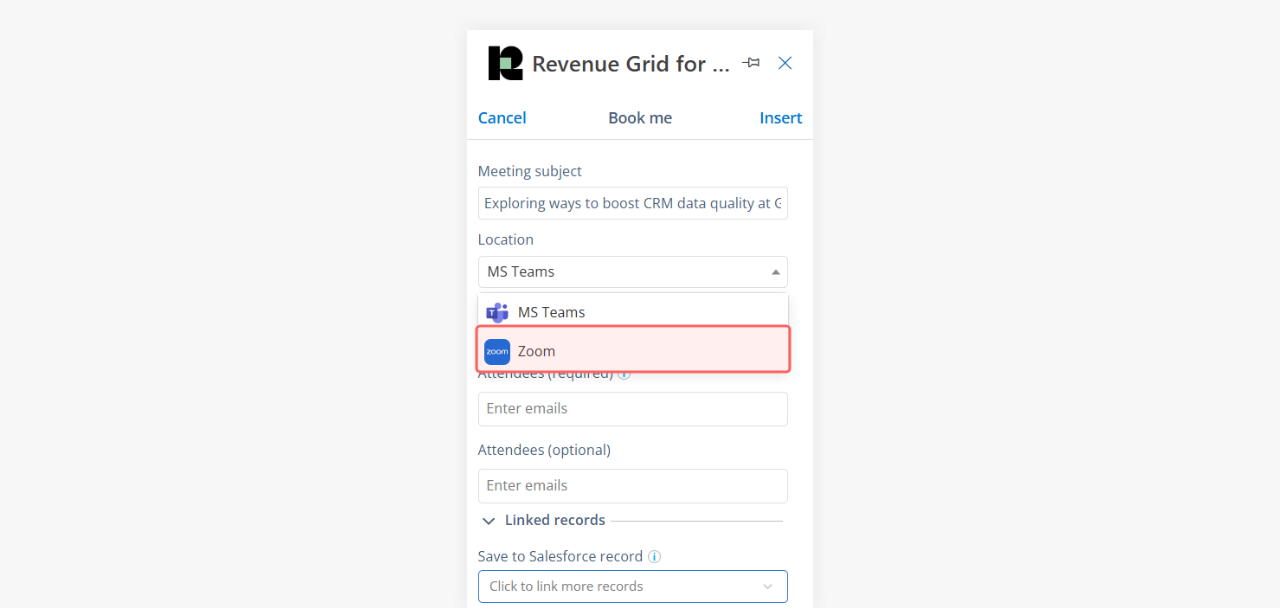
Just connect your Zoom account in Settings → Personal settings → My connectivity. Then, select Zoom as the location when creating your Book Me or Time Slots link.
When someone books a meeting, Revenue Grid automatically creates a Zoom meeting and adds the link to the calendar invite — no manual work needed.
Learn more about Zoom connectivity for Book Me and Time Slots