

Notes on CRM objects – opportunities, accounts, and other objects#
Add structured notes directly to Opportunities and Accounts and control whether AI uses them in insights and predictions. This helps you document key deal information while keeping AI-generated summaries and forecasts accurate and aligned.
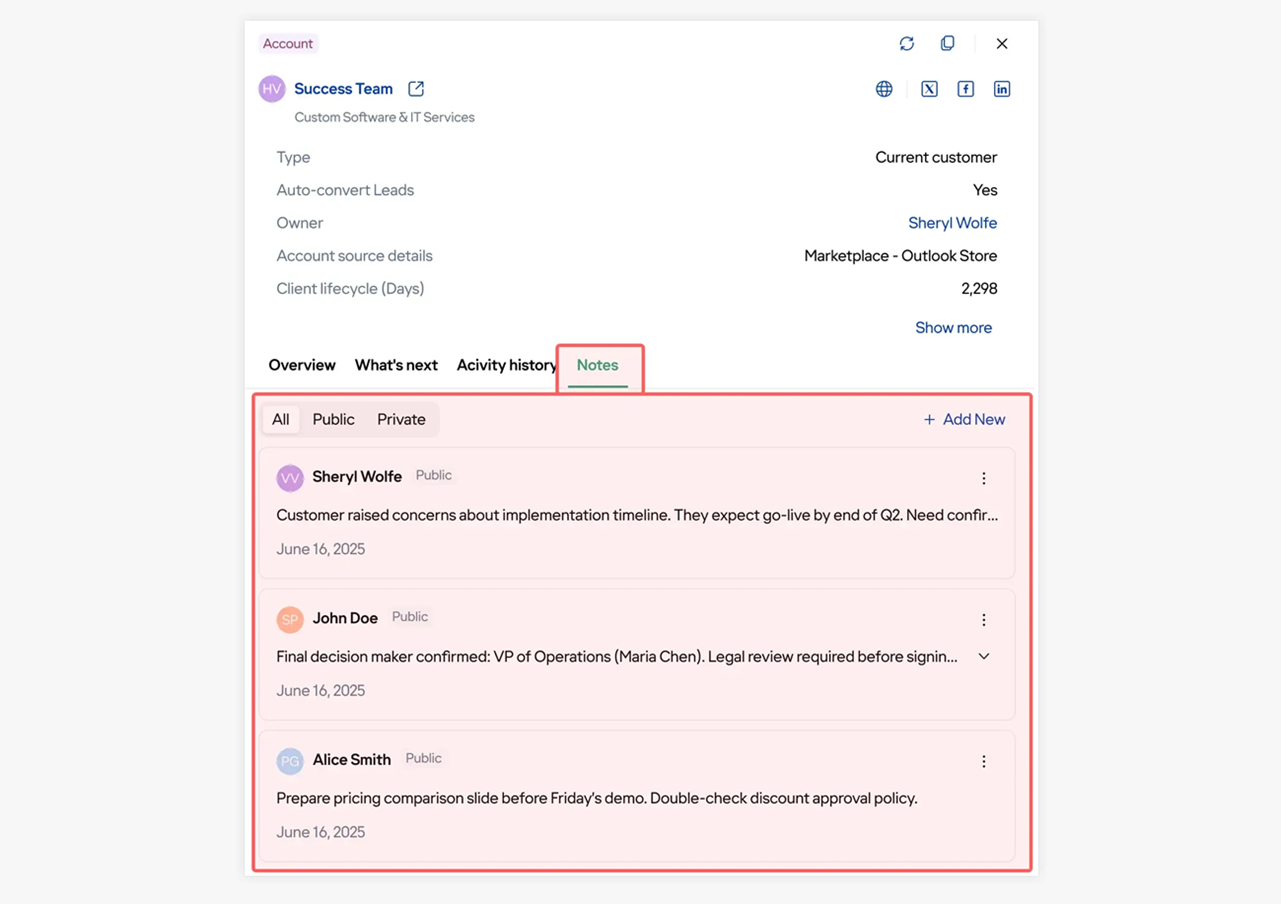
Notes let you quickly capture important context — customer concerns, risks, next steps, or internal reminders — without leaving the Opportunity view.
When creating a note, choose its type:
Public (default) — processed by AI.
AI extracts key facts and uses them in Opportunity insights, meeting preparation, summaries, and predictions.
Private — not processed by AI.
AI ignores the note and does not use it in summaries or forecasts.
Private notes are not confidential
They are visible to anyone who has access to the Opportunity — “Private” only means AI will not process them.
You can edit or delete your notes at any time. When you delete a Public note, related AI-generated facts are removed and insights are automatically updated.