

Change task owner when saving emails as tasks#
You can now choose the task owner when saving an email as a Salesforce task in the Sidebar — no need to reopen the task and update it later.
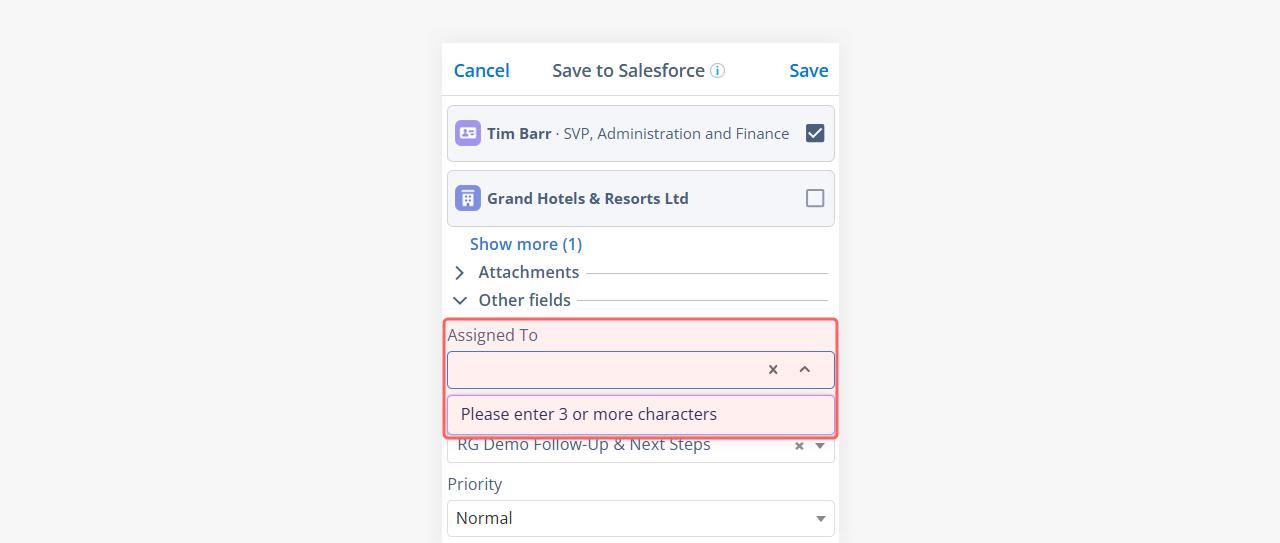
The Assigned To field is now visible and editable in the Save email dialog, so you can assign tasks to the appropriate Salesforce user immediately.
Note: The feature is available upon request. Contact Revenue Grid Support to enable it.