

Share your pipeline filters with colleagues#
You can now share the custom filters you’ve configured on the Pipeline page with colleagues — making collaboration easier and ensuring everyone can view opportunities through the same lens.
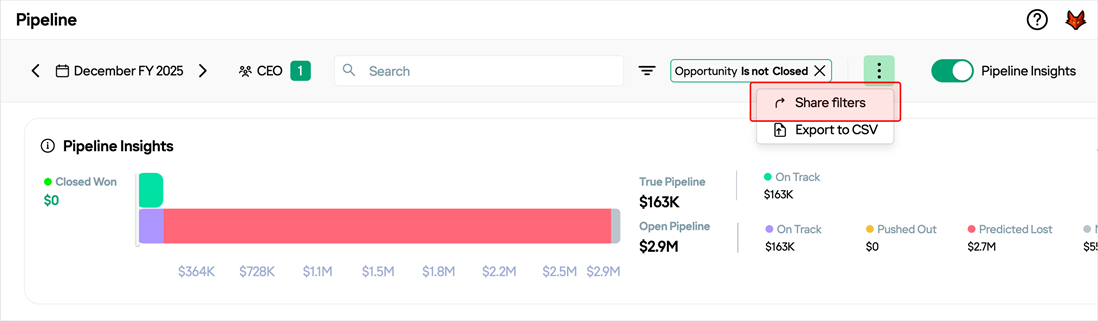
To share your filters:
Open the Pipeline page.
Click the three dots in the top ribbon.
Select Share filters.
A link containing your filter configuration will be copied to your clipboard.
Your colleague will see the pipeline view with your filters applied. Note: Their results may differ depending on CRM visibility settings.