

Review and respond to AI predictions faster#
The redesigned Stage prediction and Close date prediction columns make it easier to compare AI suggestions with your current CRM data and quickly agree or disagree with each prediction.
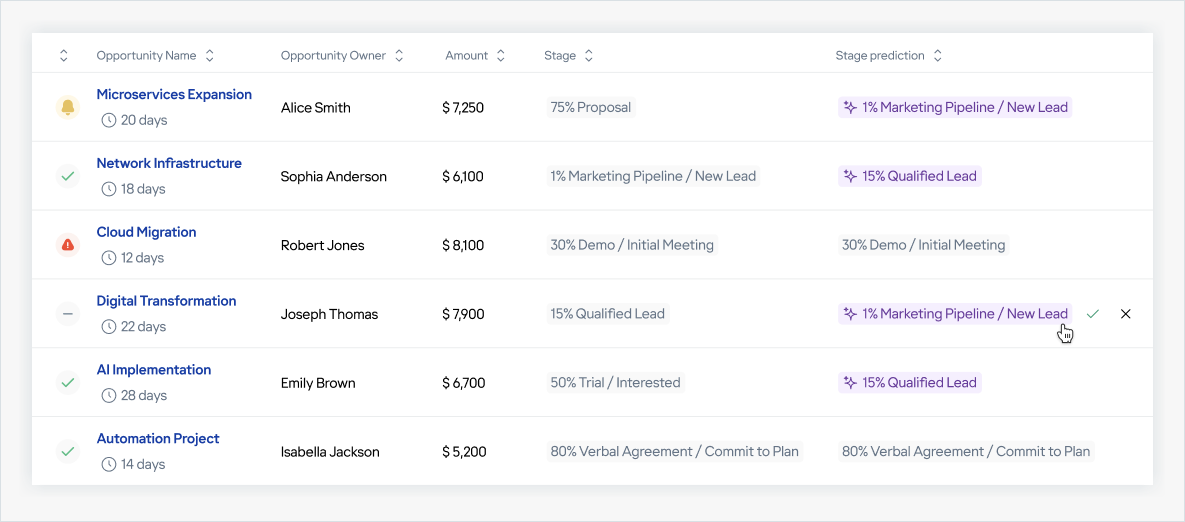
Prediction columns now display only AI-suggested values, while the current Stage and Close date remain in their own columns for easier comparison.
Hover over a prediction to:
Select Agree to apply the suggested value to your CRM.
Select Disagree to provide feedback when the prediction isn’t accurate. Pipeline Assistant uses this feedback to improve future predictions.