

Review and manage applications connected to Revenue Grid#
The new Connected applications page gives you one place to review applications you’ve authorized to access Revenue Grid and revoke access when you no longer need them.
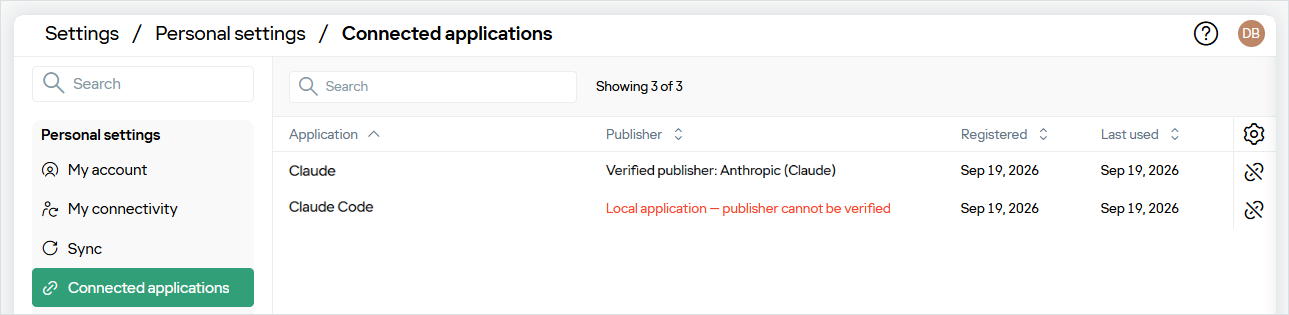
For each connected application, you can review its publisher verification status, registration date, and recent usage.
To manage your connections, go to Settings → Personal settings → Connected applications.