

Monitor opt-out rates in sequence statistics#
You can now track opt-out rates across sequences and individual steps, helping you spot targeting or messaging issues before they affect deliverability.
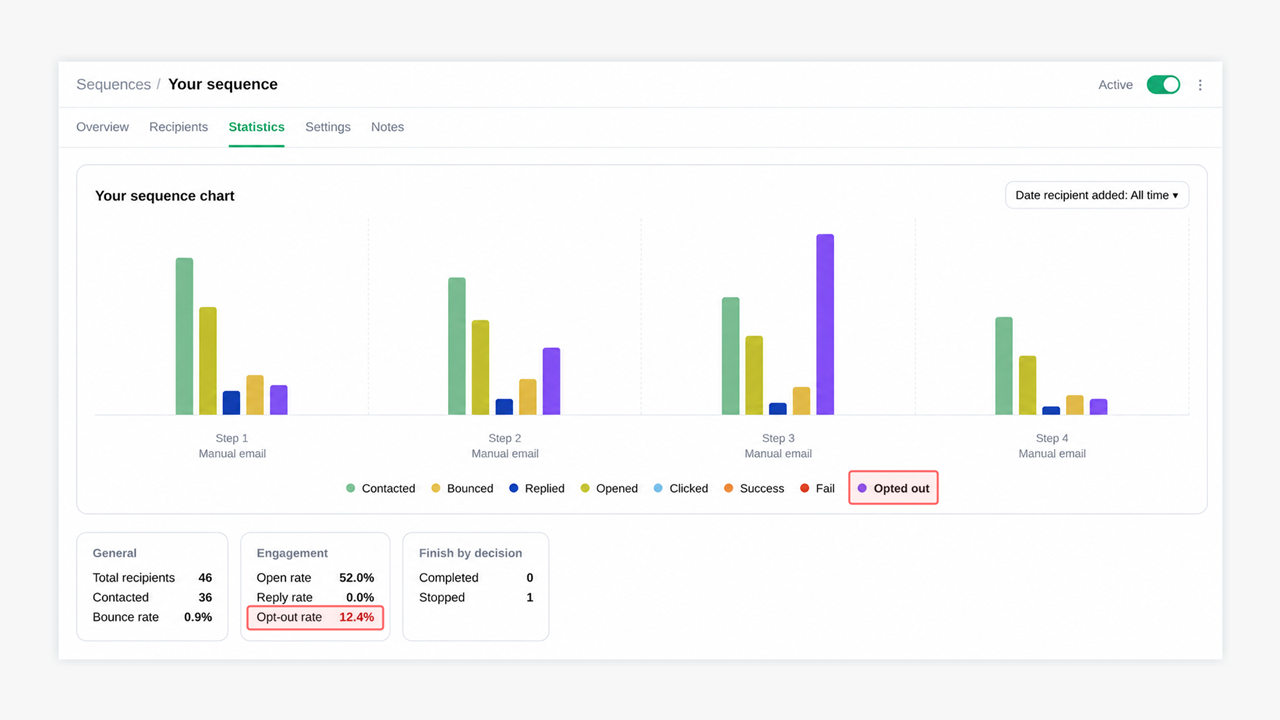
You can now monitor opt-out rates in two places:
On the Sequences page, where each sequence includes an Opt out column alongside other performance metrics.
On the Statistics tab of a sequence, where opt-out activity appears in both the step-by-step chart and the overall sequence statistics.
Revenue Grid highlights opt-out rates above 10% to help you quickly identify sequences that may require attention.