

Improved navigation in Activity Report#
Clicking a user’s name in the Activity Report widget now opens their Revenue Grid Employee page, making it easier to explore team activity without leaving the report.
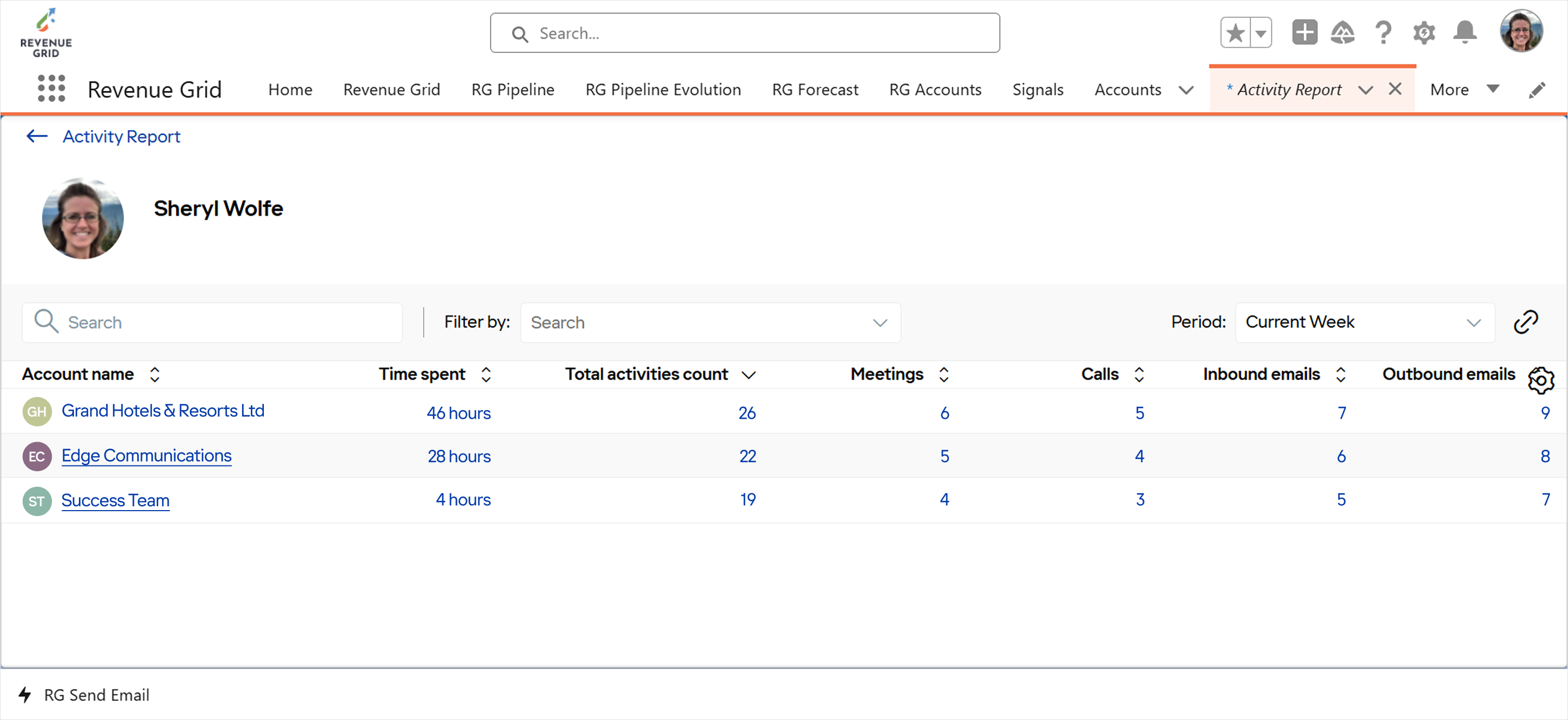
Previously, clicking a user’s name redirected you to the standard Salesforce User page, which took you out of the Activity Report.
Now, selecting a user opens their Employee page in the same frame. Also, you can easily return to the report using the ← Activity Report link at the top.