

Manage allowed Salesforce organizations in Revenue Grid#
Platform admins can now manage the list of allowed Salesforce organizations, so you can control which environments are allowed to connect and keep your setup up to date as it changes.
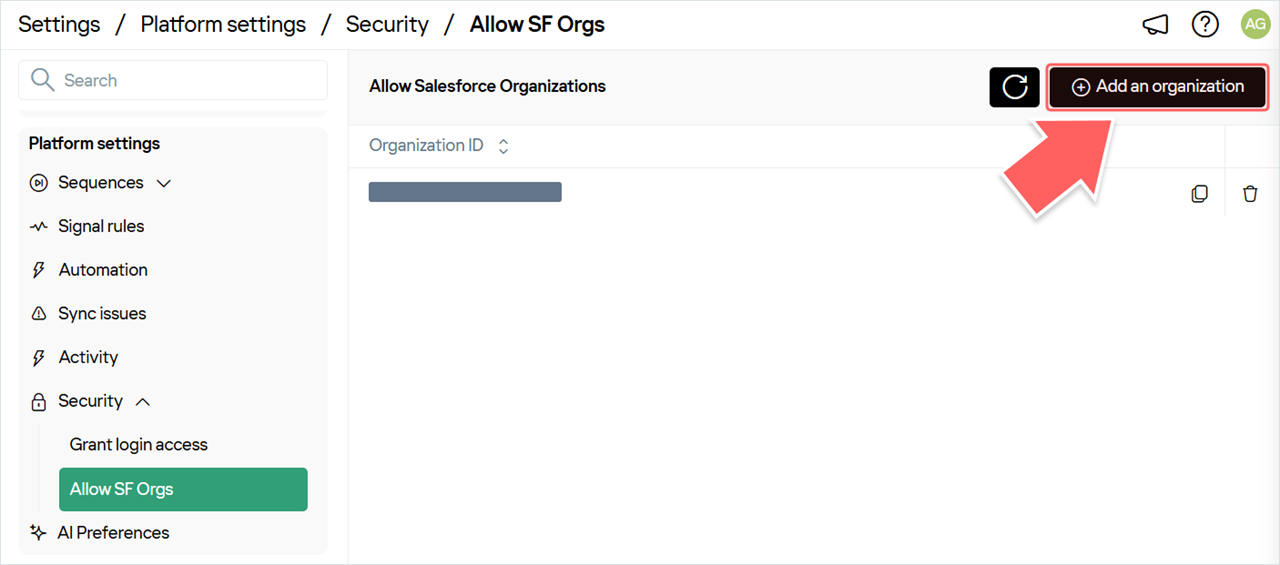
To add or remove access for specific Salesforce organizations, update the organization ID list in Platform settings under Security > Allow SF Orgs.
This is especially useful when working with multiple Salesforce environments, such as production and sandboxes used for testing or onboarding. As environments are created or retired, you can update the allow list to ensure that only the relevant orgs remain connected.