

Review meeting recordings and transcripts with Meetings Assistant#
Listen to meeting audio recordings and read transcripts for meetings recorded by Notetaker. This helps you revisit important discussions, verify details, and stay aligned after customer calls.
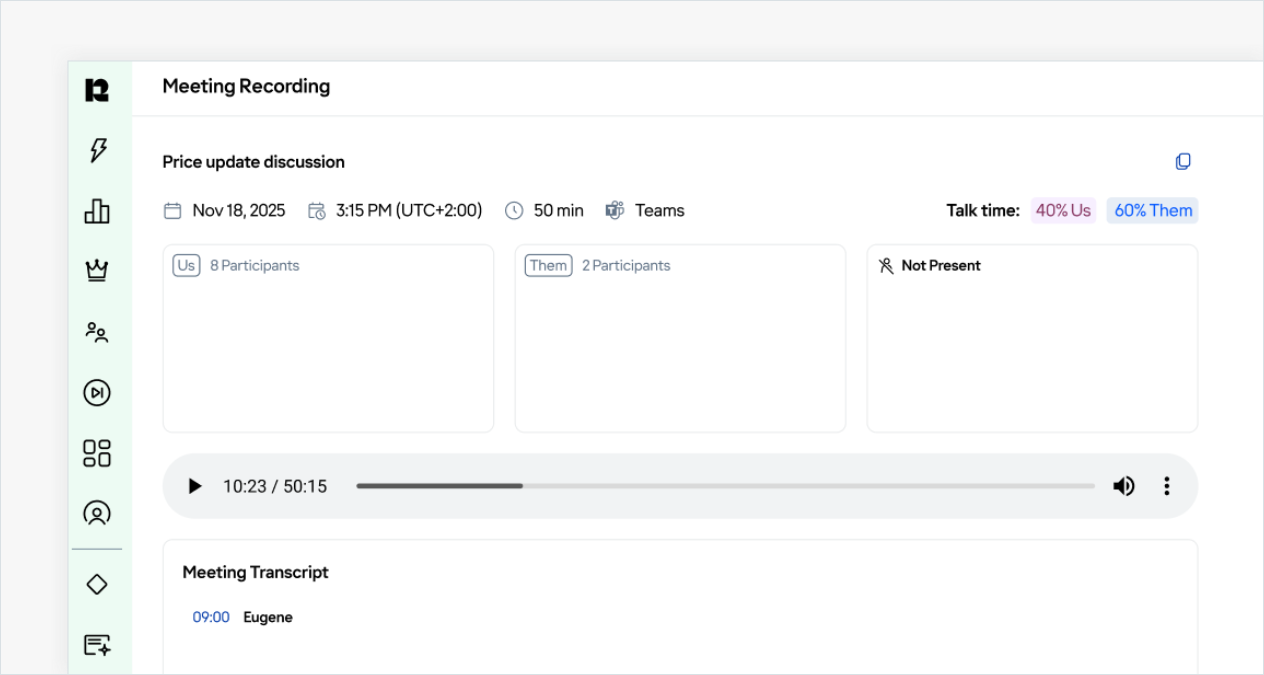
Recordings and transcripts are available on the Meeting Recording page and can be accessed directly from the meeting details.
To start listening to a recording:
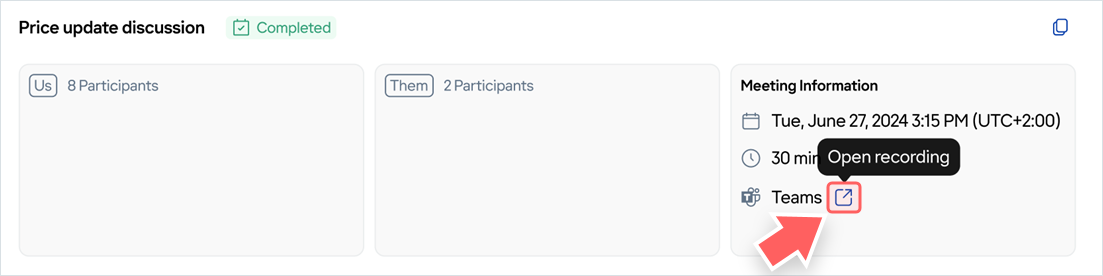
In the Meeting Information section, select the Open recording () icon.
In the player, select the Play () icon.