

More control over Meetings Assistant email notifications#
Revenue Grid now lets administrators choose who receives Meeting prep and Meeting evaluation emails, extending the recipient controls previously available for Meeting summary.
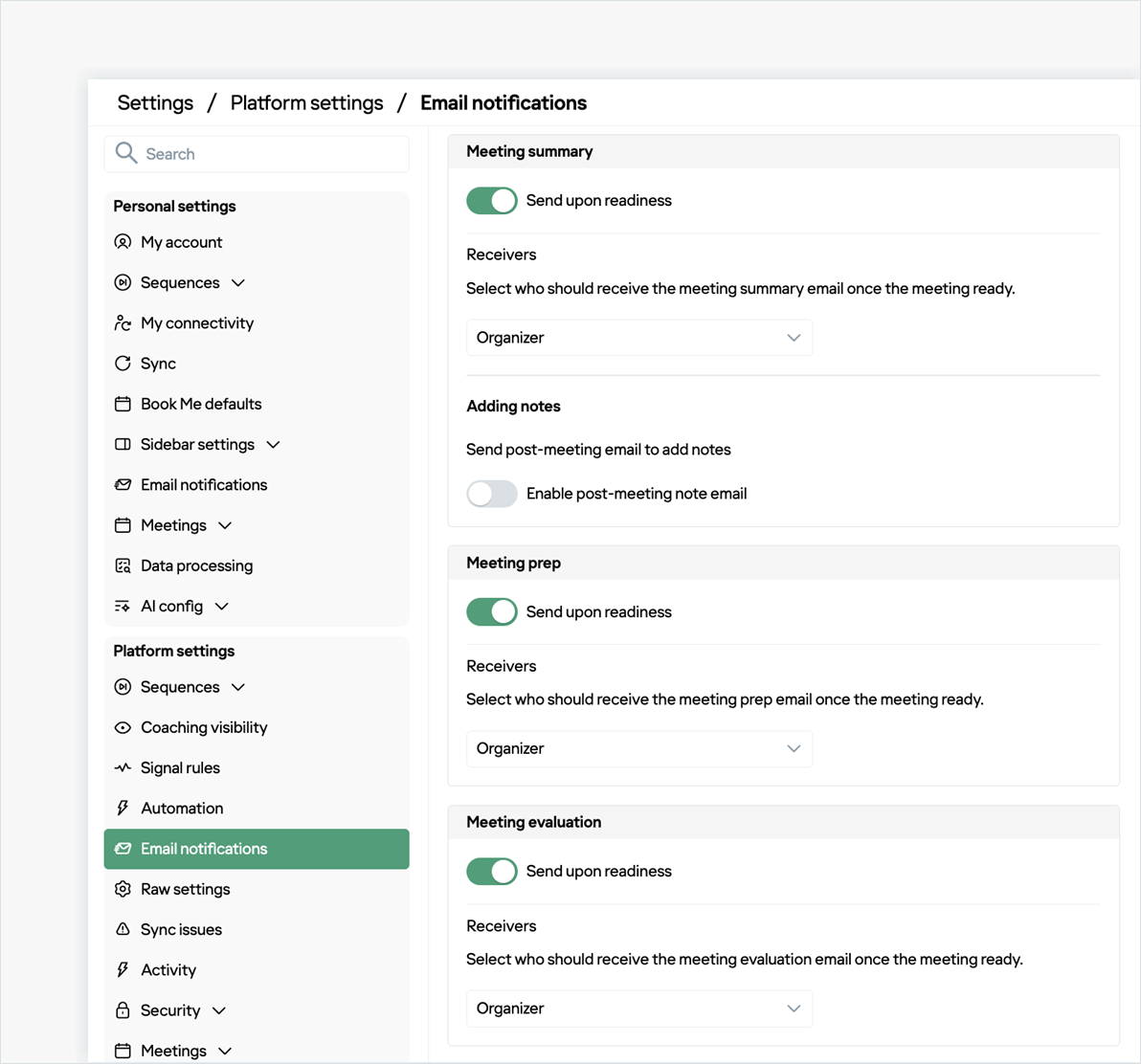
Administrators can configure recipient groups separately for each email type from Settings > Platform settings > Email notifications.
Available recipient options include:
Organizer
All attendees with Meetings Assistant enabled
All internal attendees
For Meeting Summary emails, administrators can also send notifications to both the organizer and the linked CRM record owner.
If a user matches multiple recipient rules, Revenue Grid sends only one email.
Learn how to set up email notifications for Meetings Assistant