Inside Meetings IQ: From preparation to evaluation#
Meetings IQ helps you prepare for meetings with prospects and analyze conversations afterward, providing relevant insights and recommended next steps to move deals forward.
Overview#
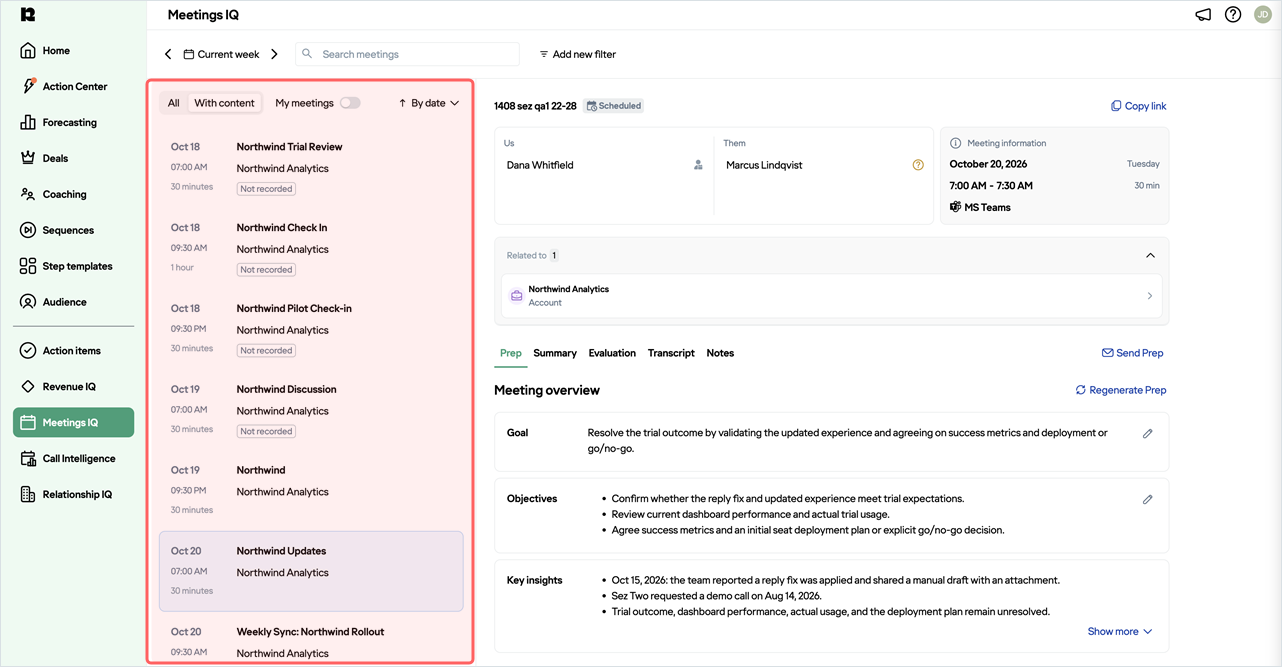
When you open Meetings IQ, you can see a list of meetings linked to your opportunities on the left side of the page. You can browse through these meetings and apply filters from the top menu to quickly locate the one you’re looking for.
Meeting details#
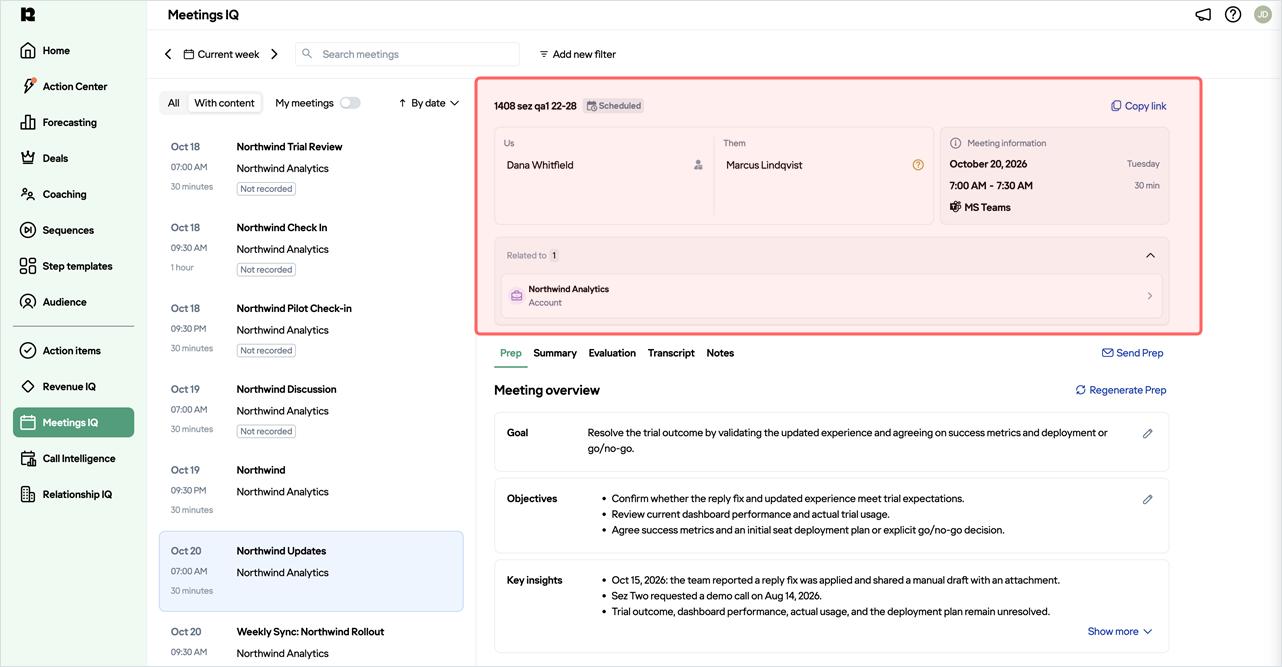
After selecting a meeting, detailed information appears on the right side of the screen. This includes:
Meeting title and associated opportunity
Opportunity amount
Participant list from both your team and the prospect’s side
Meeting details such as date, time, and duration
This layout provides a quick overview to help you orient yourself before reviewing the meeting in depth.
Meeting insights#
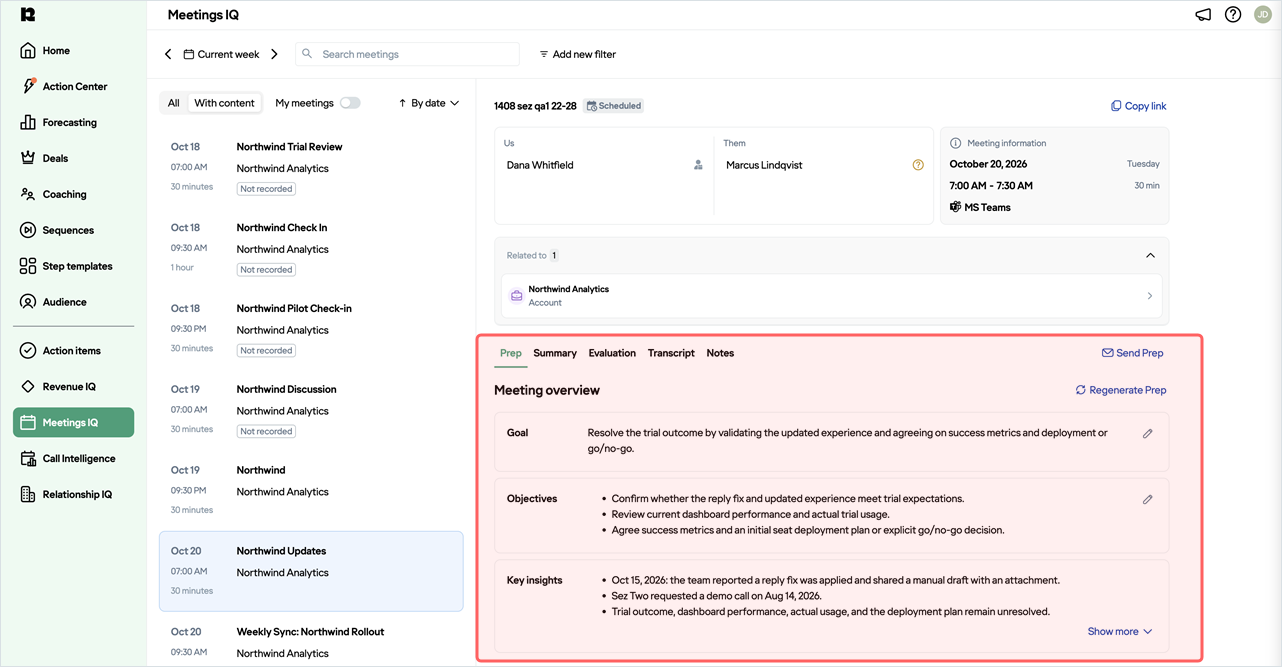
Below the meeting details, the page is divided into three sections, each offering deeper insights:
Prep – Supports meeting preparation with information about the client, attendees, agenda, and objectives.
Summary – Provides a concise overview of what was discussed, key outcomes, and decisions made.
Evaluation – Analyzes the meeting’s effectiveness based on specific criteria, such as value delivered, decisions taken, and next steps.
Each section is designed to help you make the most of your meetings by improving preparation, follow-up, and overall meeting quality.