Get started with Kora AI#
Kora AI helps you get answers about your deals, accounts, emails, and meetings through a simple chat interface.
This guide explains how to access Kora AI and start using it in your daily workflow, whether you’re working in the Revenue Grid platform or the Context Panel.
Prerequisites#
Your organization manages access to Kora AI chat. To use the feature, a Revenue Grid administrator must enable it for you.
Open Kora AI chat in the Context Panel#
Kora AI is available directly in the Context Panel.
To access it:
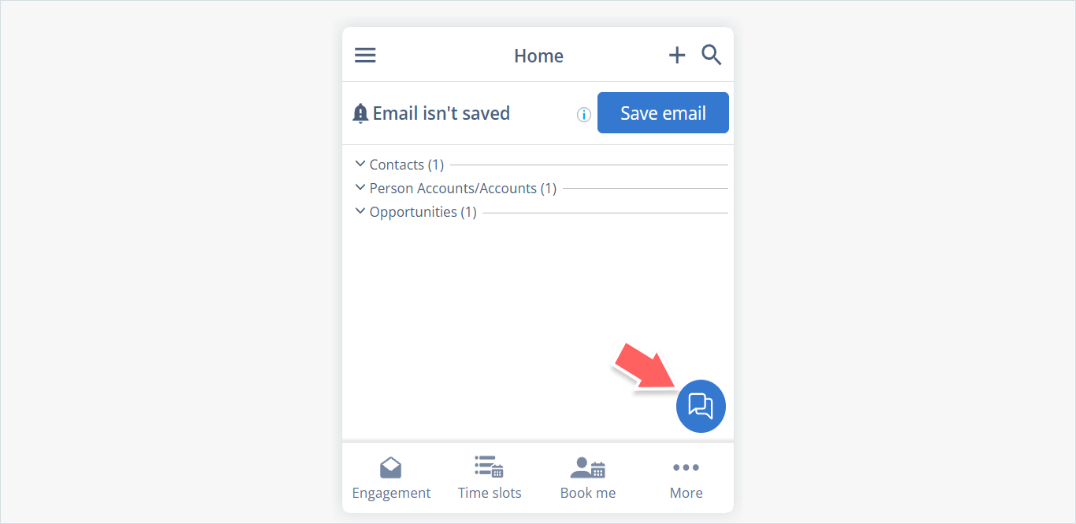
In the bottom-right corner, click the chat button.
Type your request into the input field.
Click the send icon or press Enter on your keyboard.
You can ask questions in plain language, such as:
“What should I focus on today?”
“What happened in my last meeting with Acme Inc?”
To learn how to ask questions about your CRM data, see Ask about your CRM data.
For tips on writing clear and effective requests, see Write effective prompts for Kora AI.
Start a new conversation#
To keep topics organized and make it easier to revisit previous answers, start a new conversation for each new topic.
To start a new conversation:
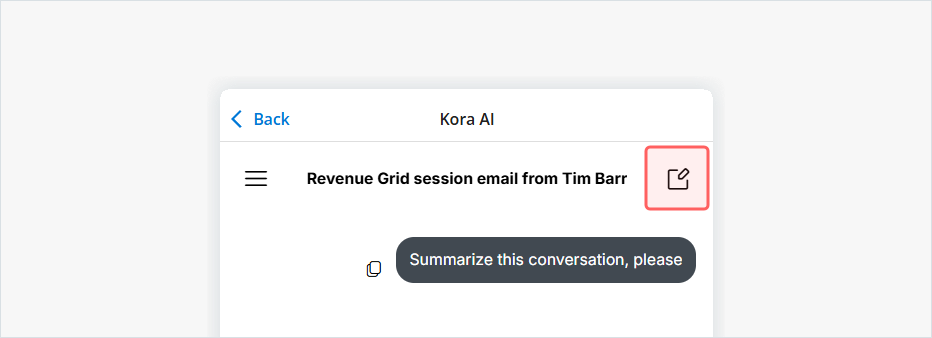
In the chat window, click the edit icon in the top-right corner.
Begin typing your new request in the input field and send it as usual.
Return to a previous conversation#
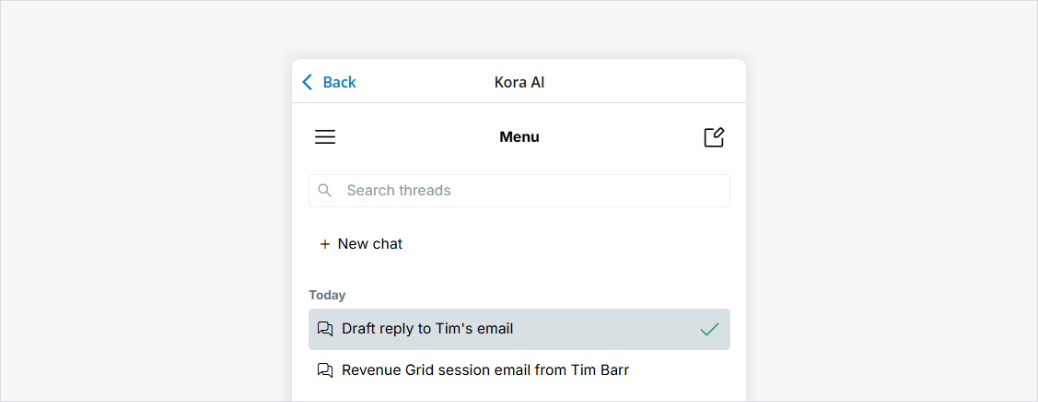
Kora AI stores each conversation as a separate thread for up to 30 days, so you can come back to any topic when needed.
To open a previous thread:
In the chat window, click the menu icon in the top-right corner.
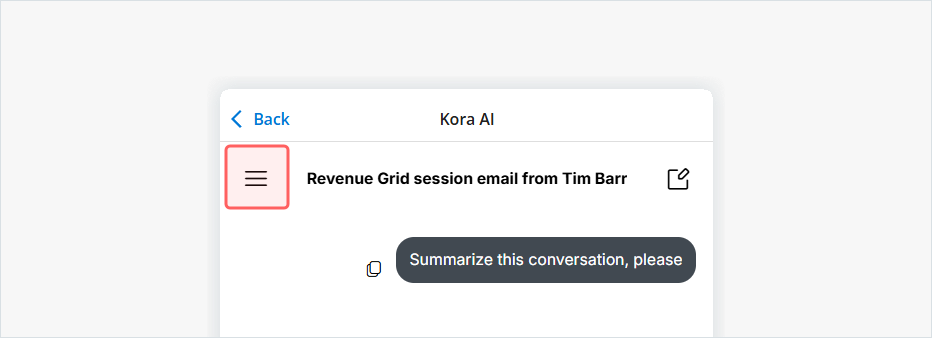
Select the conversation you want to continue.