

Generate email replies using Kora AI#
Available to: Kora AI, Kora AI Lite
Use Kora AI (either Lite or full edition) to quickly generate high-quality email reply drafts based on the selected message and related CRM data. This feature helps reduce the time spent composing responses while ensuring they are accurate and contextually relevant.
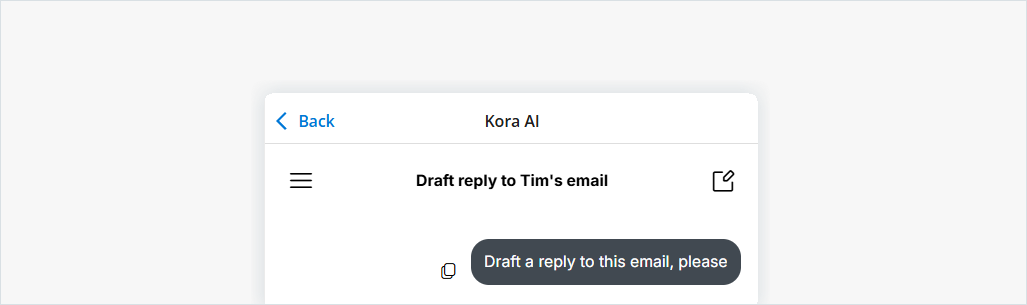
Available in the Context Panel, Kora AI retrieves information from the selected email and linked CRM records to create a ready-to-use draft.
When to use this feature#
Use the email draft feature when you need to:
Save time responding to customer messages
Ensure replies include the current CRM context
Typical use cases include:
Sales representatives replying to leads, prospects, or customers involved in active deals.
Support and operations teams responding to case-related emails.
Executive assistants preparing replies on behalf of team members.
What information Kora AI uses to generate a reply#
When you request an email reply, Kora AI gathers the following data:
Email content and message history: Kora AI uses the selected email’s content — including subject, sender, recipients, and message body — as well as message history (if available) to understand the context. Note: If the email does not have recipients, Kora AI will request clarification before generating a draft.
Related CRM records: Kora AI identifies CRM records linked to the email participants, including Contacts, Accounts, Opportunities, Leads, etc.
Recent activity for each record: For each relevant CRM record, Kora AI includes insights from up to 10 recent activities saved to Salesforce — such as emails, meetings, tasks, or opportunity stage updates.
This combined context enables Kora AI to generate a personalized, accurate reply that reflects the current state of the customer relationship.